Analyze
Scans your sample library and extracts useful metadata automatically.
Public Beta
Dots Samples analyzes your sample library automatically and makes it searchable with plain text, so you can find sounds without manual tagging.
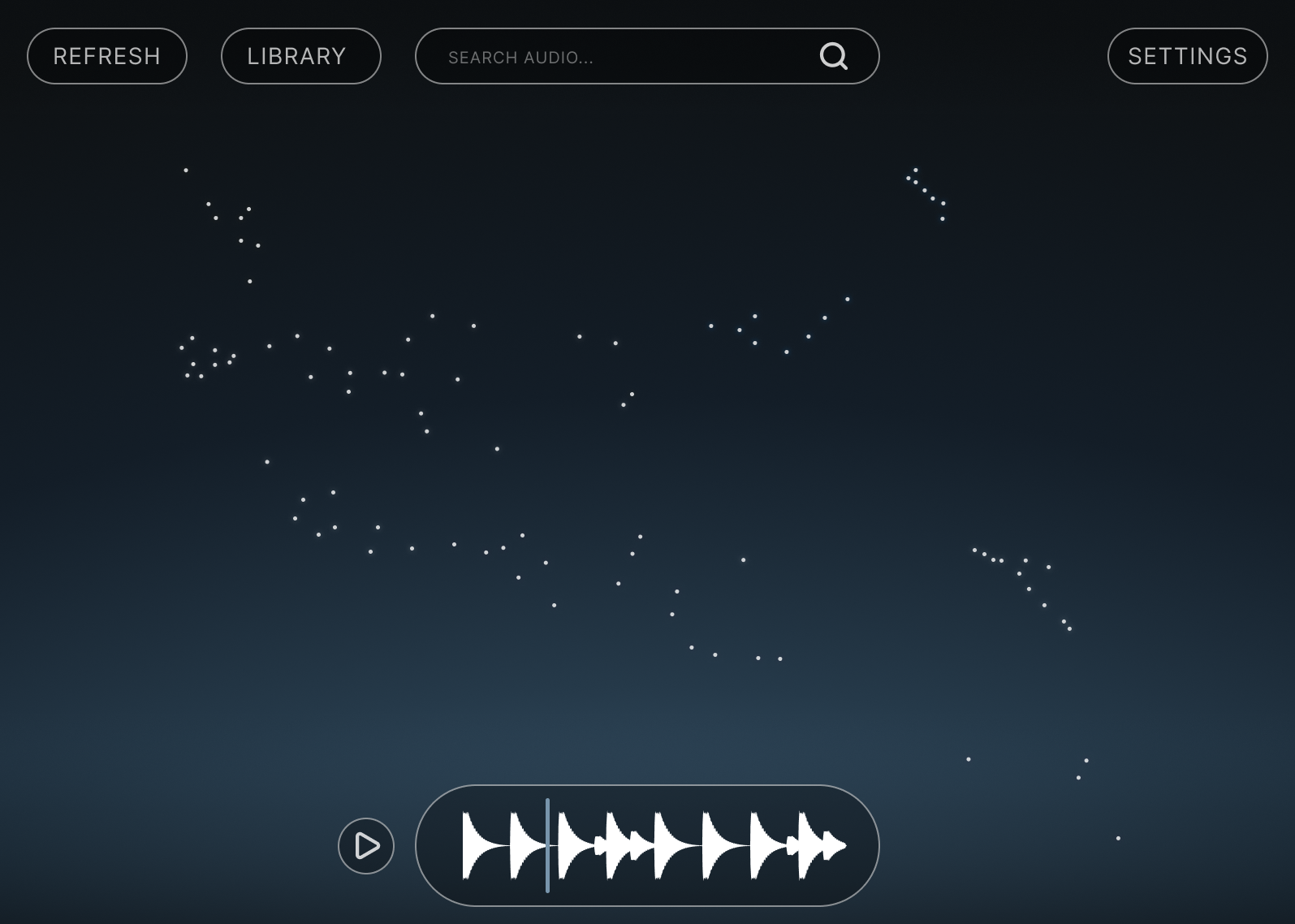
You can explore your sounds in a 2D similarity map to discover nearby samples quickly, then drag and drop WAV files straight from Dots Samples into your favorite DAW.
Analyze
Scans your sample library and extracts useful metadata automatically.
Search
Find samples with text queries instead of folder digging and hand-made tags.
Explore
Browse sounds in a 2D dots view where nearby points represent similar samples.
Drag and Drop
Drag and drop samples straight from the audio playback section into your DAW timeline.
Dots Samples is in public beta and under active development. We ship regular improvements, and you may occasionally run into stability issues while new capabilities are being added.
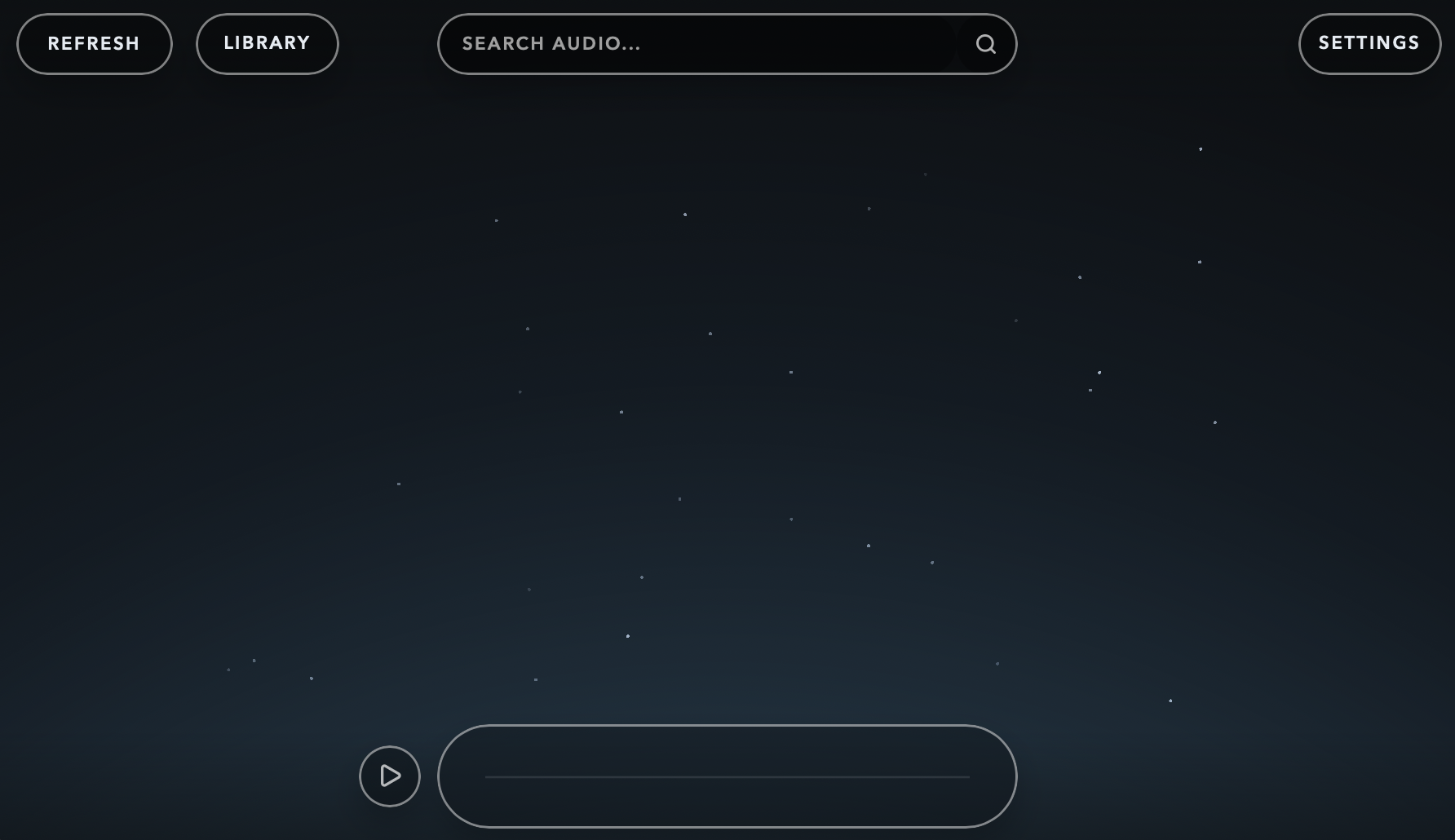
Open the plugin in your DAW. It can be placed on both audio and MIDI tracks.
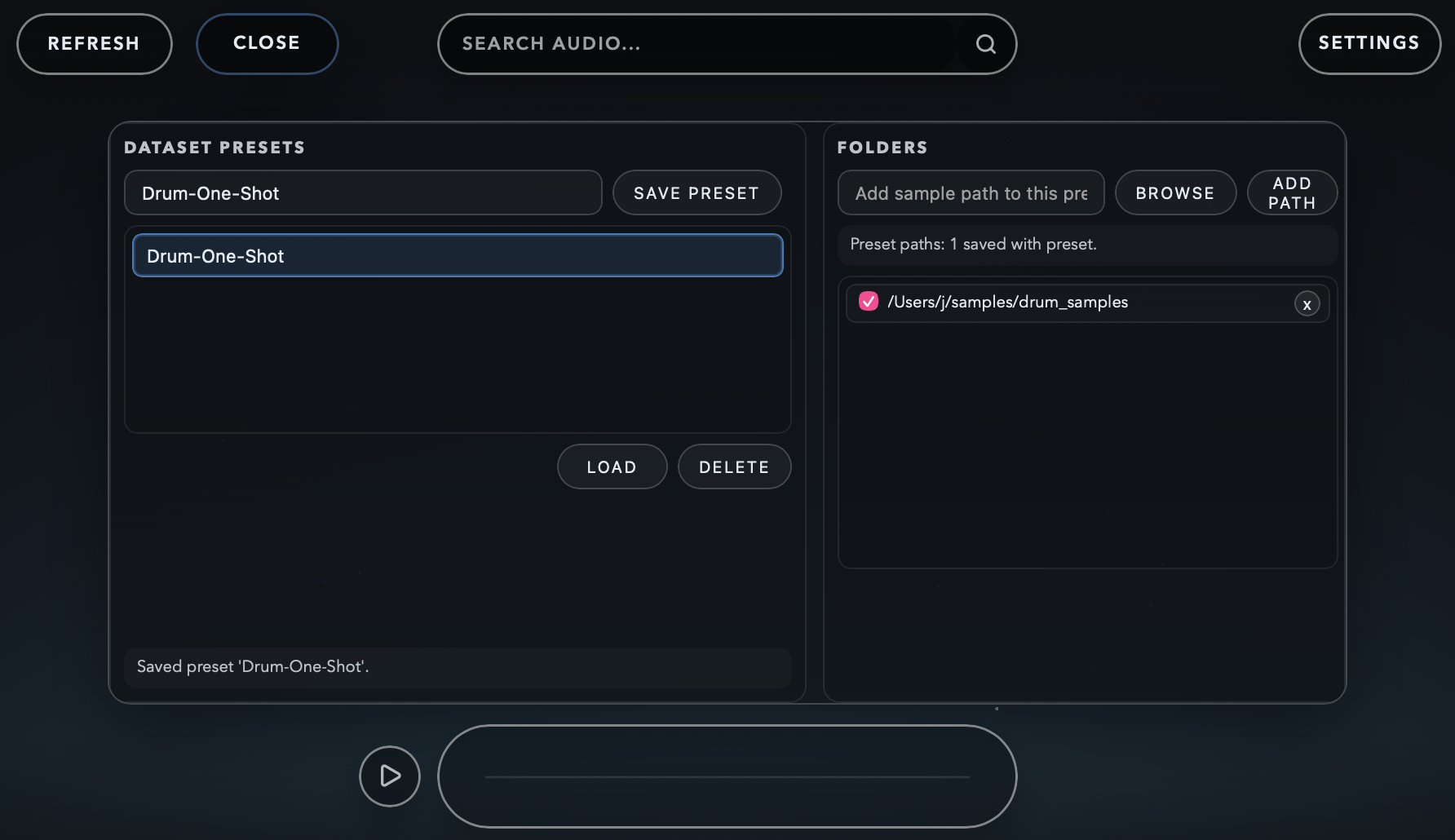
Open Library and add paths to your samples. You can also add presets here.
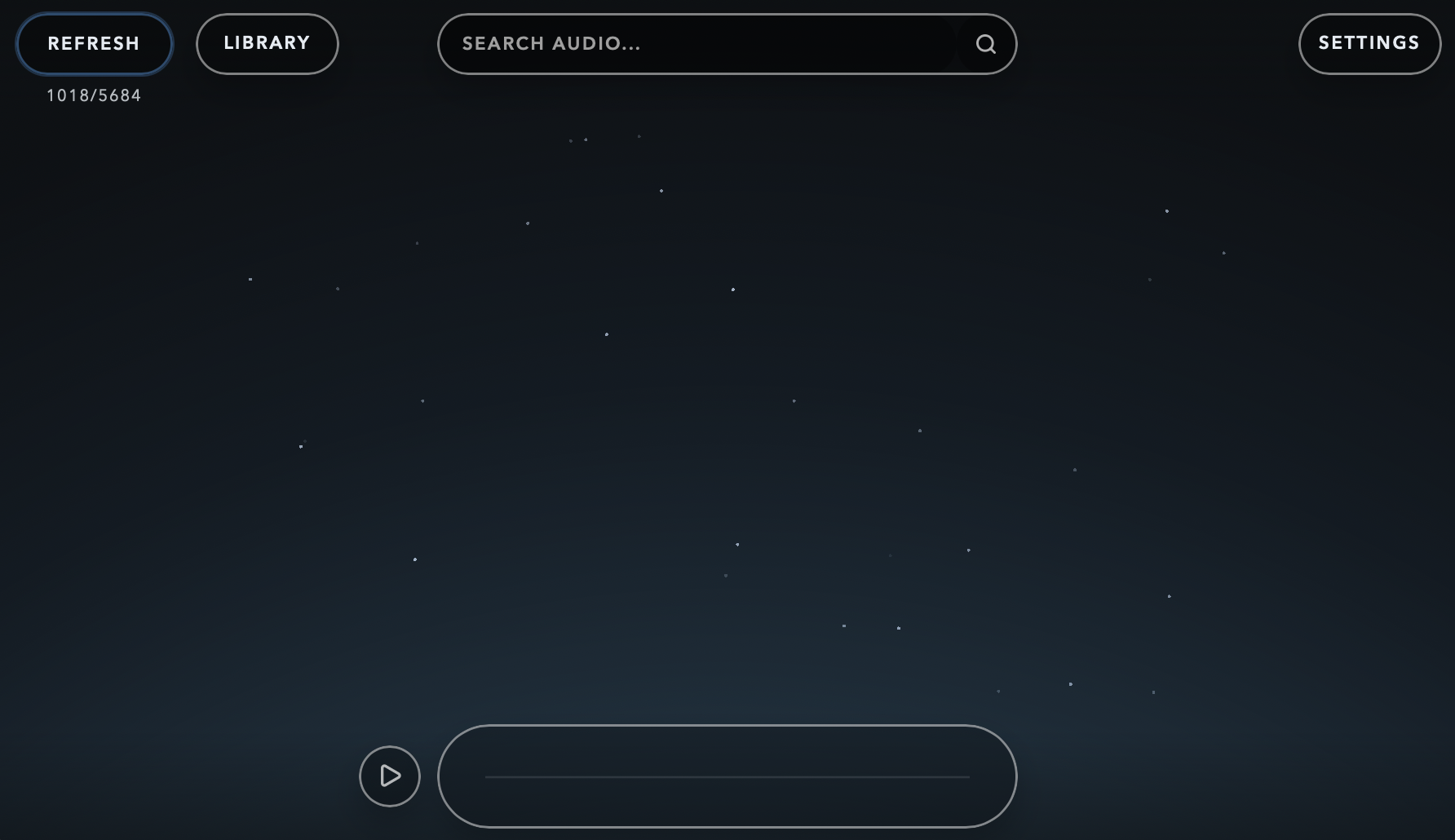
Hit Refresh to create the 2D dots map.
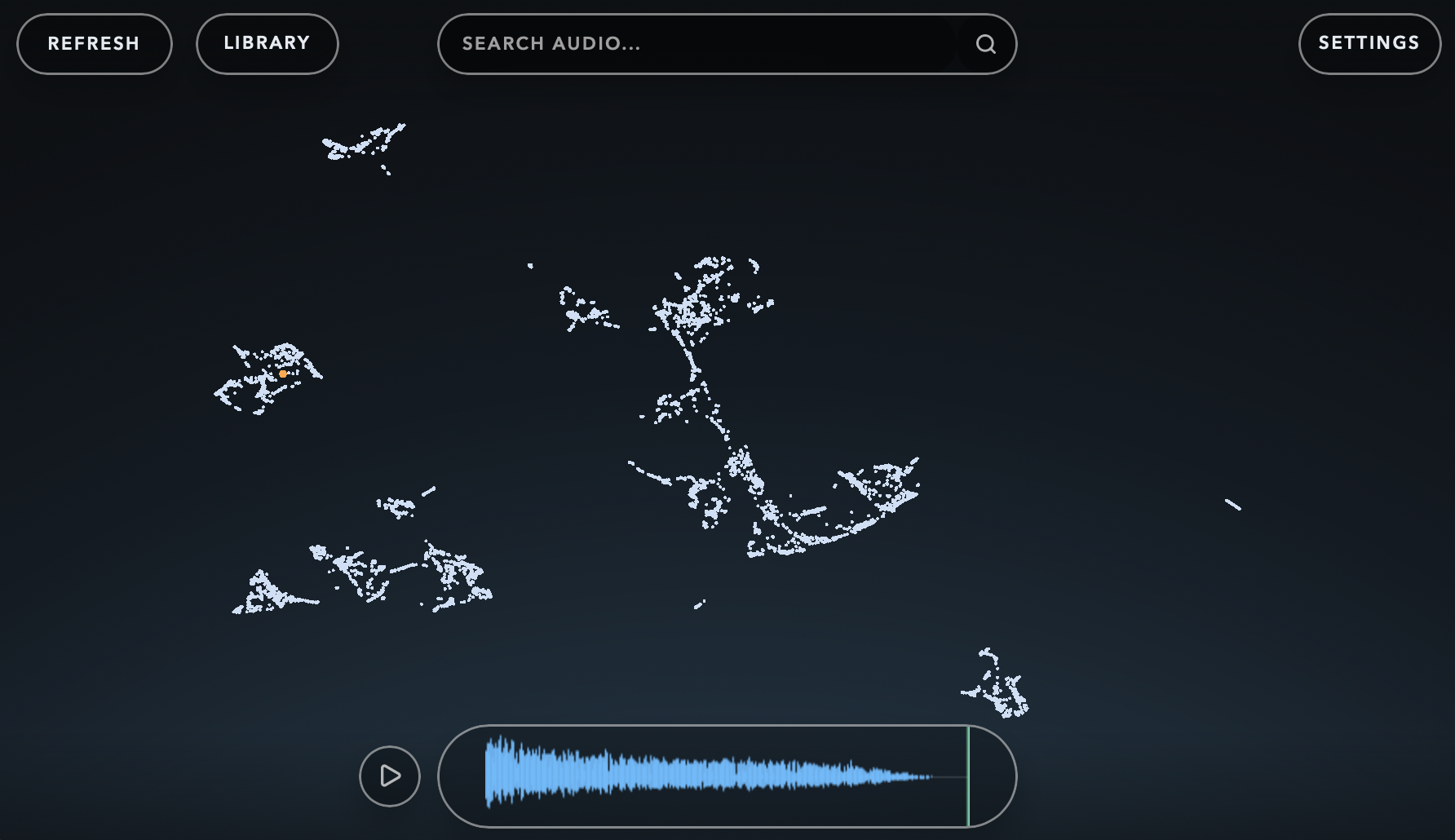
Audition sounds from the audio playback section. Samples are automatically organized based on similarity.
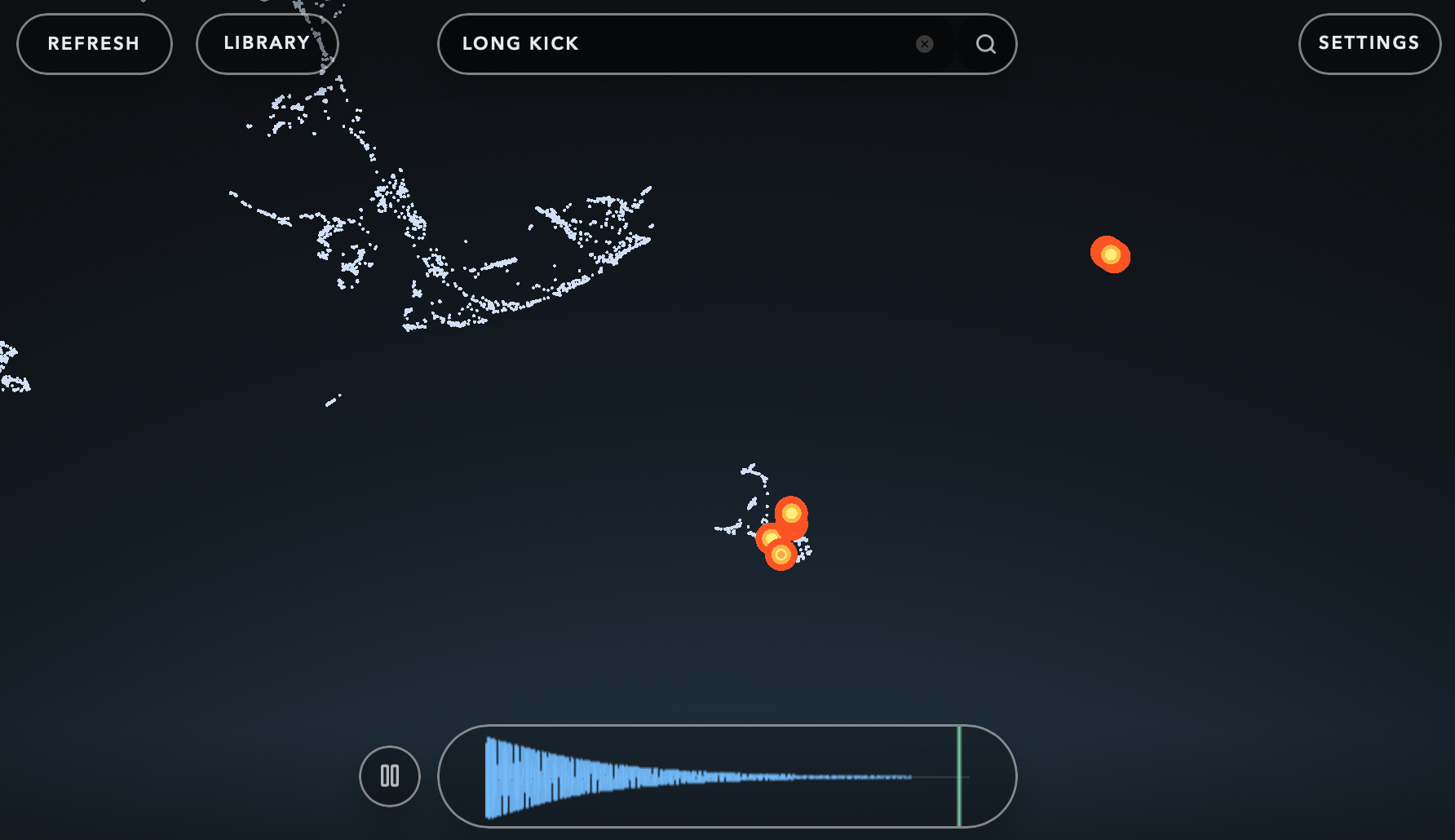
Search for specific sounds, then drag and drop the selected sample from the audio playback section into your DAW.
Windows support is not available yet in the current public beta release.
First-time analysis can take a while for very large sample collections. Use a higher core count in settings to speed up the process
UI may become unresponsive for a few seconds while updating the 2D dots.
The product currently works best for short samples, for example one-shot drums and synths.